
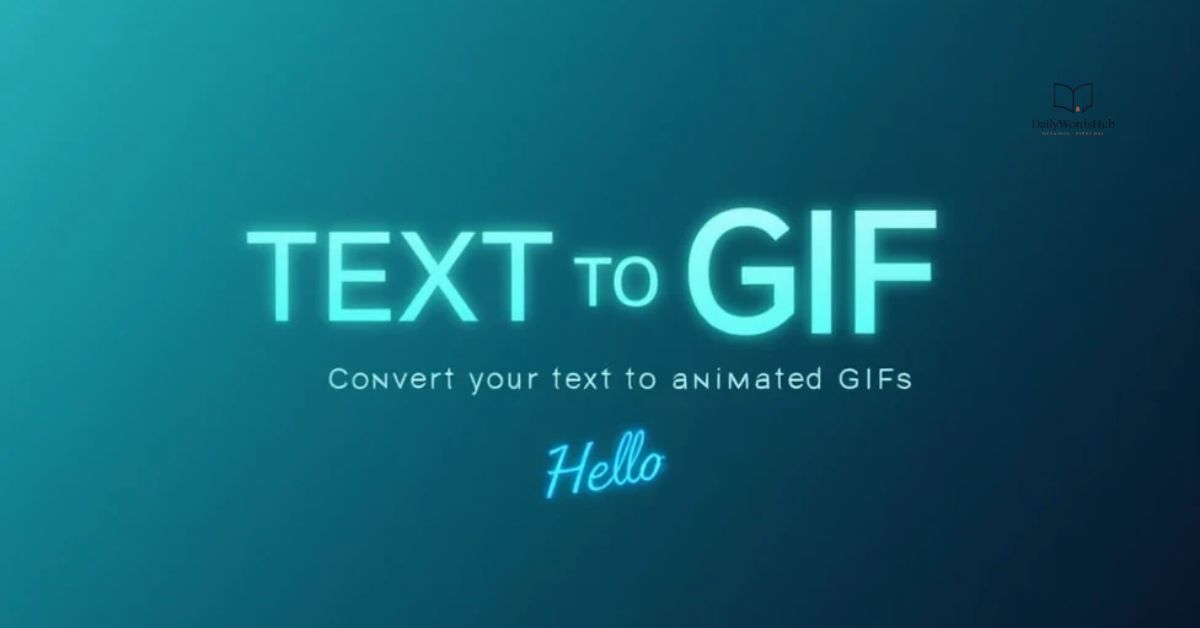
Text Animation GIF Generator make it easy to turn simple words into eye-catching animated text without needing advanced design skills. With different fonts, colors, effects, and motion styles, you can create GIFs for social media posts, websites, blogs, messages, and digital projects.
A Text Animation GIF Generator lets you type your message, customize its appearance, and add animation effects in just a few clicks. Whether you want flashing text, bouncing letters, glowing effects, or smooth transitions, these tools provide a quick way to create engaging animated text that stands out.
You can also read; Work Anniversary Messages
What the Text Animation GIF Generator Does
A Text Animation GIF Generator turns ordinary text into an animated image that can capture attention more effectively than plain words. Instead of creating a complete video or designing a complicated graphic, you can enter your message and apply movement, effects, colors, and backgrounds to create a shareable GIF.
The tool can be useful for both personal and professional messages. You can create animated greetings, birthday wishes, congratulations, quotes, announcements, and short promotional messages without needing advanced graphic design skills.
How the Text Animation GIF Generator Works
Using a Text Animation GIF Generator is usually simple. Start by entering the message you want to animate, then choose a text style, animation effect, background, and other visual options. The generator combines these elements into a short looping GIF.
After customizing your design, you can preview the animation to check how the text looks and moves. If everything looks good, you can generate the final GIF and save it for sharing on your preferred platform.
Turn this message into an animated greeting card
Animated text can make a simple greeting feel more personal and visually appealing. Add your message, select a suitable background, and choose an animation style that matches the occasion. The result can work like a small digital greeting card that is easy to send through messaging apps or social platforms.
Add Your Message and Keep It Readable
The message is the most important part of an animated text GIF, so keep it clear and easy to read. Short sentences usually work better because viewers have limited time to read moving text.
Avoid using too many fonts, complicated effects, or extremely fast animations. A simple font with good contrast against the background can make your message much easier to understand.
Background Themes, Overlays and Text Effects
Backgrounds help set the mood of your animated GIF. Depending on the occasion, you might choose a colorful design for a birthday, an elegant background for an anniversary, or a clean professional style for a business announcement.
Text effects can include fading, bouncing, sliding, zooming, glowing, or typing-style animations. Overlays such as sparkles, shapes, or decorative elements can add extra visual interest, but they should not make the message difficult to read.
Preview Before You Download
Always preview your animated GIF before saving it. Check whether the text appears for long enough to be read and whether the animation moves smoothly.
The preview also gives you a chance to identify problems with spelling, positioning, font size, colors, or background contrast. Making these small changes before downloading can improve the final result.
Create Animated Text GIFs for Any Occasion
A Text Animation GIF Generator can be used for many different occasions. Because you can change the message and visual style, the same tool can create both personal greetings and professional announcements.
Birthday Wishes
Create animated birthday messages with colorful text, festive backgrounds, and simple effects. A short message such as “Happy Birthday!” can become a fun GIF to share with friends or family.
Thank-You Notes
Animated text GIFs can also be used to say thank you. Choose a calm background and a simple animation to create a thoughtful digital message.
Congratulations and Achievements
Celebrate graduations, promotions, awards, new jobs, and other achievements with animated congratulations. Bright text and subtle celebratory effects can make the message stand out.
Wedding and Anniversary Messages
For weddings and anniversaries, elegant fonts and gentle animations can create a more romantic appearance. You can add names, dates, or a short personal message.
Daily Quotes and Affirmations
Animated GIFs are also useful for motivational quotes and daily affirmations. A short quote combined with a smooth text animation can make an attractive post for social media.
Business Updates and Client Announcements
Businesses can use animated text GIFs for short announcements, promotions, reminders, or client messages. A professional font and simple animation can communicate information without making the design feel overly complicated.
Sharing: WhatsApp, Social, Email and Work Chat
Once your animated GIF is ready, you can share it through platforms that support GIFs or animated images. It can be useful in messaging apps, social media posts, emails, and workplace communication.
Before sharing, check the platform’s file-size and format requirements. If the GIF is too large, reducing its dimensions or animation length may make it easier to upload and send.
Tips to Make Your Animated Text GIF Look Professional
Keep your design simple and make the message the main focus. Use readable fonts, strong contrast, and an animation speed that gives viewers enough time to understand the text.
It is also helpful to use colors that match the occasion and avoid combining too many visual effects. A clean animation with one or two well-chosen effects often looks better than a design filled with constant movement.
Text Animation GIFs on Mobile
You can create and share animated text GIFs from a smartphone when the generator is designed to work on mobile browsers. A mobile-friendly interface makes it easier to enter text, select effects, preview the animation, and save the finished GIF.
For mobile sharing, keep the design relatively simple and make sure the text remains readable on a smaller screen. A vertical or square format may also work better for certain social platforms.
When to Use This Tool Instead of a Full Greeting Card
A Text Animation GIF Generator is a good option when you want something quick, lightweight, and easy to share. It can be ideal for short messages that benefit from movement without requiring a complete greeting-card design.
A full greeting card may be more suitable when you need several photos, long messages, detailed decorations, or a more elaborate layout. For short greetings, quotes, announcements, and simple wishes, an animated text GIF can provide a faster alternative.
FAQs
What is a Text Animation GIF Generator?
It is a tool that turns ordinary text into animated GIFs using different fonts, effects, colors, and backgrounds.
Can I create a GIF on my phone?
Yes, many text animation GIF generators work on mobile devices and browsers.
Can I use animated text for greetings?
Yes, you can create GIFs for birthdays, weddings, anniversaries, congratulations, thank-you messages, and more.
Can I preview my GIF before downloading?
Yes, previewing lets you check the text, animation, colors, and overall appearance before saving.
Where can I share a text GIF?
You can share animated GIFs through supported messaging apps, social media, email, and work chats.
Final Thoughts
A Text Animation GIF Generator is a simple way to turn ordinary messages into engaging animated content. With readable text, suitable effects, and an attractive background, you can create GIFs for almost any occasion.
Whether you are making a personal greeting, motivational quote, or business announcement, a well-designed animated text GIF can make your message more noticeable and memorable.

Jorge is a writer at Daily Words Hub who enjoys exploring words, vocabulary, grammar, phrases, slang, and everyday English. He focuses on creating clear, practical content that helps readers understand language and communicate with confidence.